Automotive Supplier Software
Toyota manifest sheet marking software
AutoKanban reads manifest PDFs, finds order numbers, dock codes, load times, and Kanban numbers, then generates a labeled PDF ready for review and download.
1
Upload manifest PDF
2
Review detected Kanban rows
3
Download labeled output
Built for Toyota manifest and Kanban PDF workflows
Manifest PDF detection
Detects sheet data used in automotive shipping workflows, including order, dock, load time, and Kanban/product codes.
Layout-based marking
Places quantity marks for single-code pages and multi-code layouts without hardcoding every Kanban number.
Customer-specific rules
Supports separate customer configurations for default quantities, order formats, and special sheet behavior.
How to use AutoKanban
- Sign in with your assigned customer account Each customer account loads its own manifest rules and Kanban default quantities.
- Upload the Toyota manifest PDF Select the PDF from your computer and start the scan. AutoKanban reads the order numbers, dock codes, load times, and Kanban numbers.
- Review the detected Kanban rows Confirm the pages to mark and enter or adjust the quantity for each Kanban row before creating the output file.
- Optionally save future defaults If the reviewed quantities should be reused, check the save-defaults option so matching Kanban numbers prefill next time.
- Generate and download the labeled PDF AutoKanban places clean digital marks on the PDF, then provides the completed file for download and use.
Manual marker work vs. digital marking in seconds
Generic sample sheets show the difference between hand marking every sheet with a marker and letting AutoKanban place the marks digitally.
8 sec.
estimated saved per marked sheet
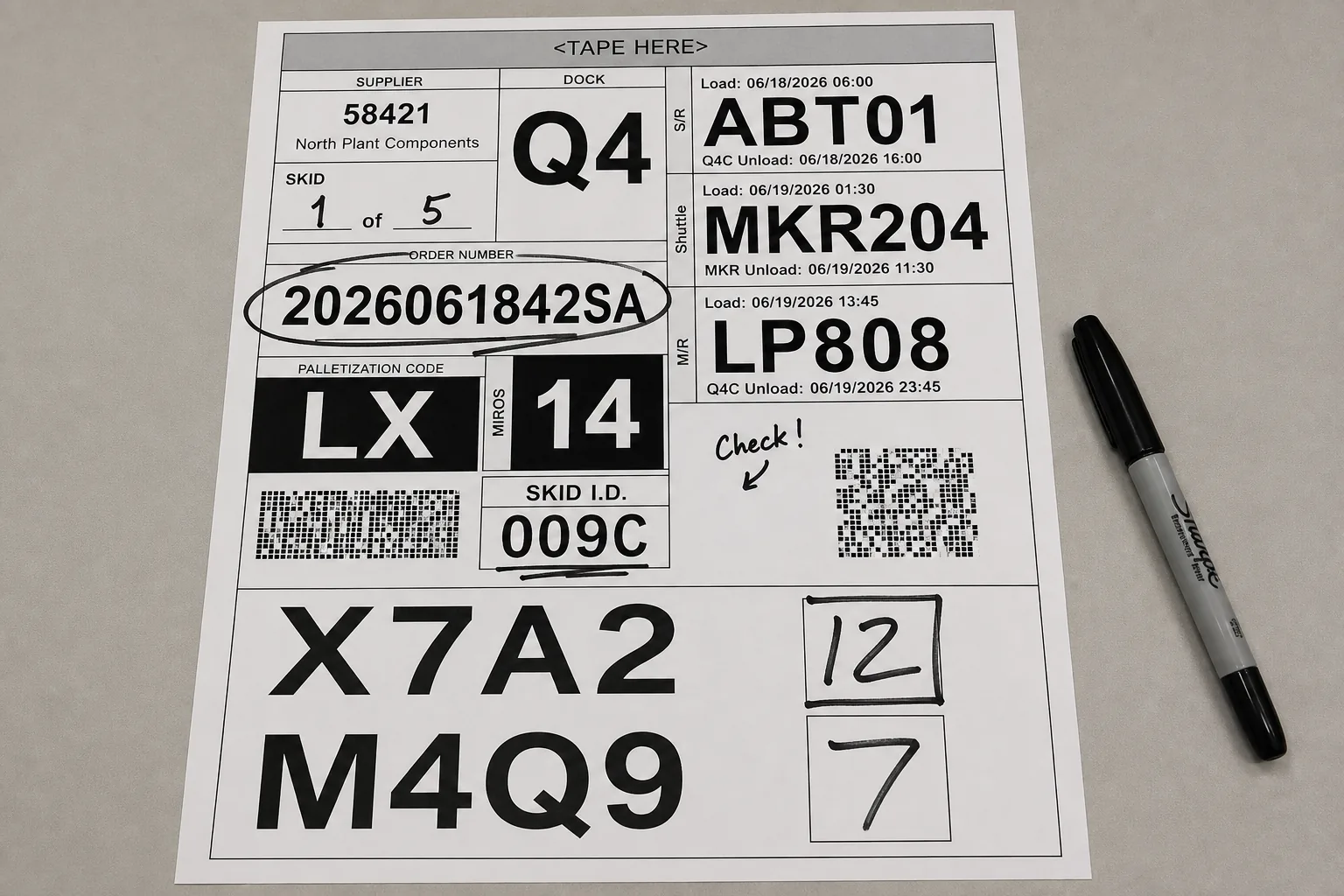
- Time consuming
- Painful, repetitive work
- Inconsistent marks
- Higher chance for errors and customer impact
- Expensive labor waste
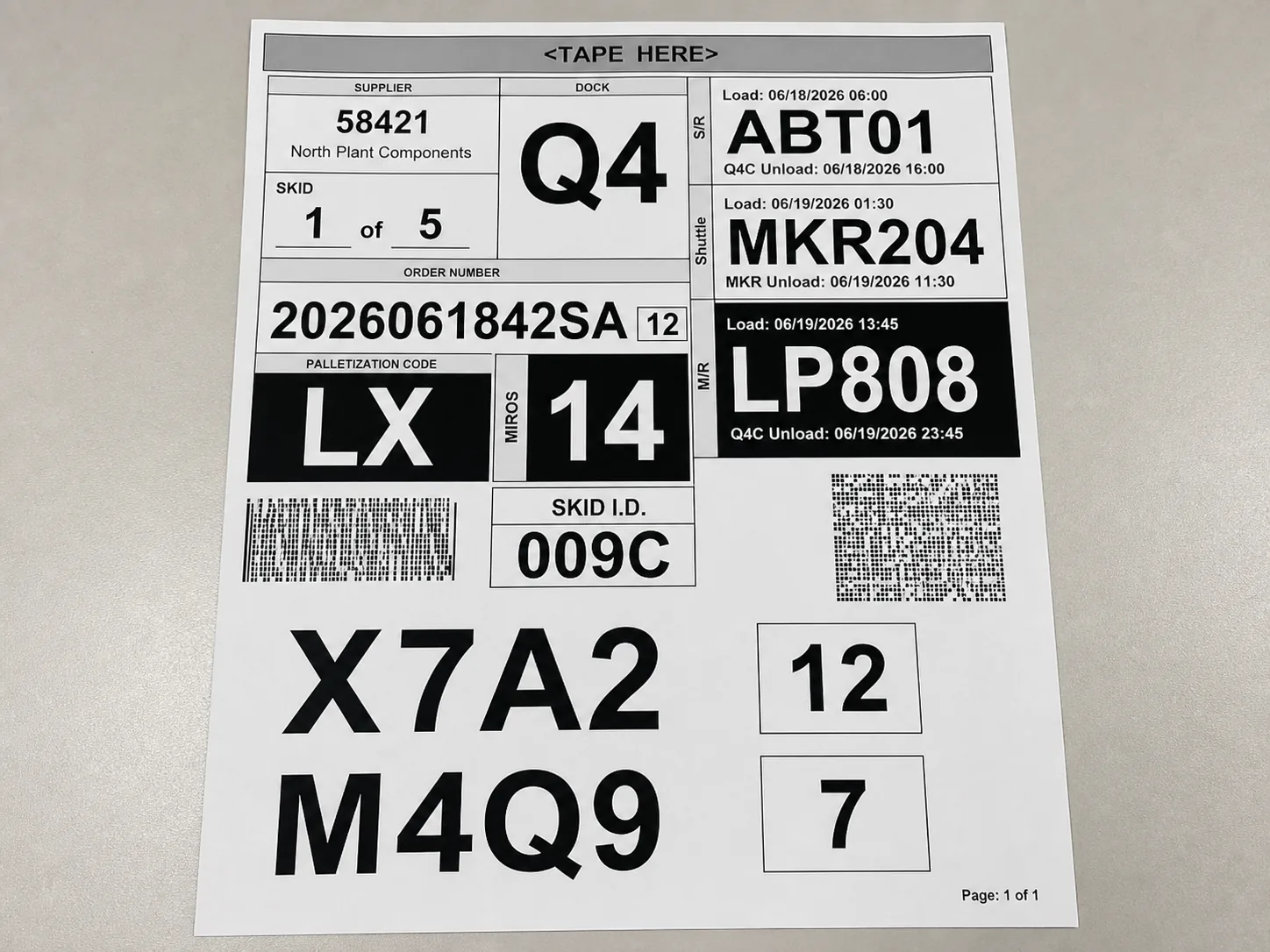
- Extremely fast
- Labor saving ($$$)
- Consistent looking output
- Error-free marking
- Improved customer experience